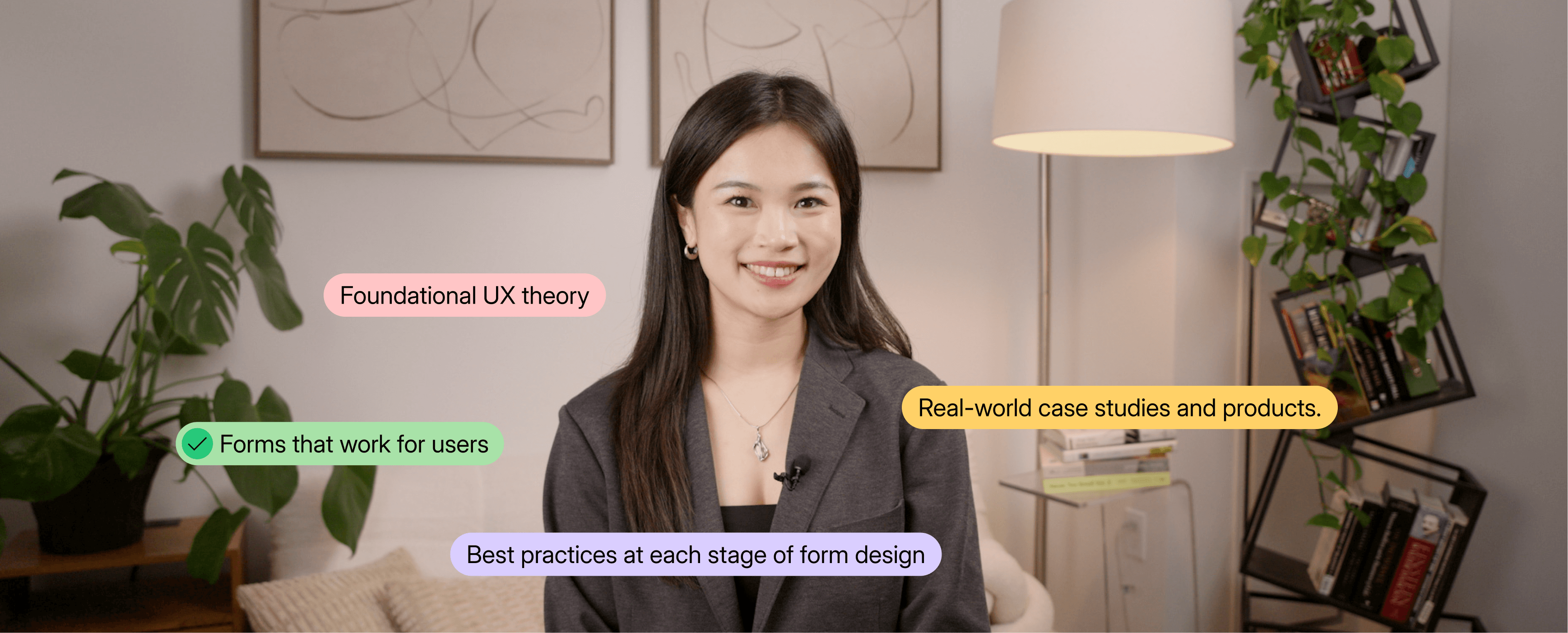
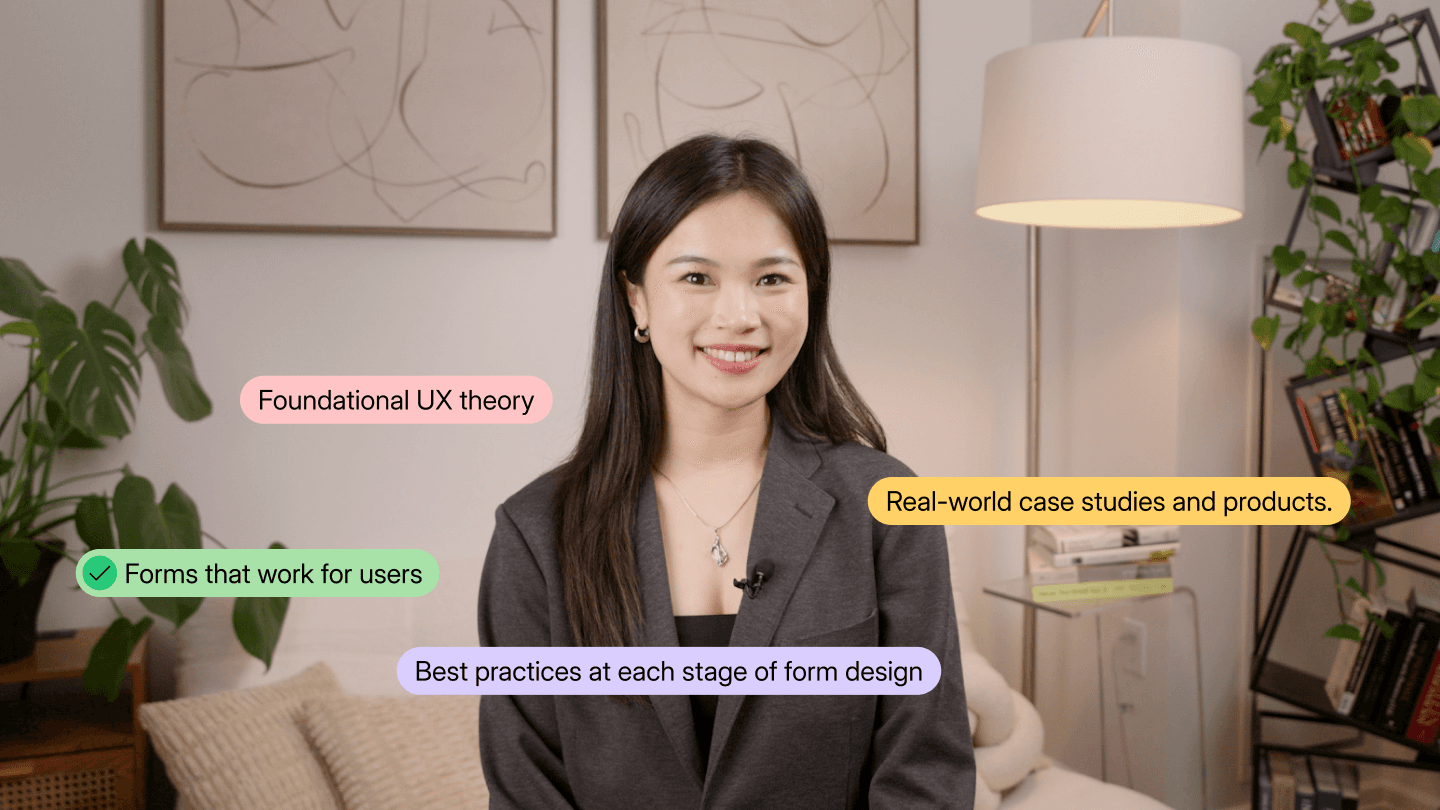
Teaching Forms Systematically: A Self-Paced Course on Web Form Design
Instructional Design
Interaction Design
UI/UX Design
Role
Course author and instructor (Experience Specialist)
Duration
6 months, 2026
Team
Me, with an instructional designer, UX writer, and NN/G’s video and design teams
Company

What I did
Practitioner research, curriculum design, scripting, on-camera teaching
Overview
Stepping up to lead a new NN/G course
At Nielsen Norman Group, I was promoted to Experience Specialist to create and teach a self-paced course on web form design for a library of 20+ courses. It was my first course as an instructor, and I owned it end to end: research, curriculum, 38 scripted lessons, and filming.
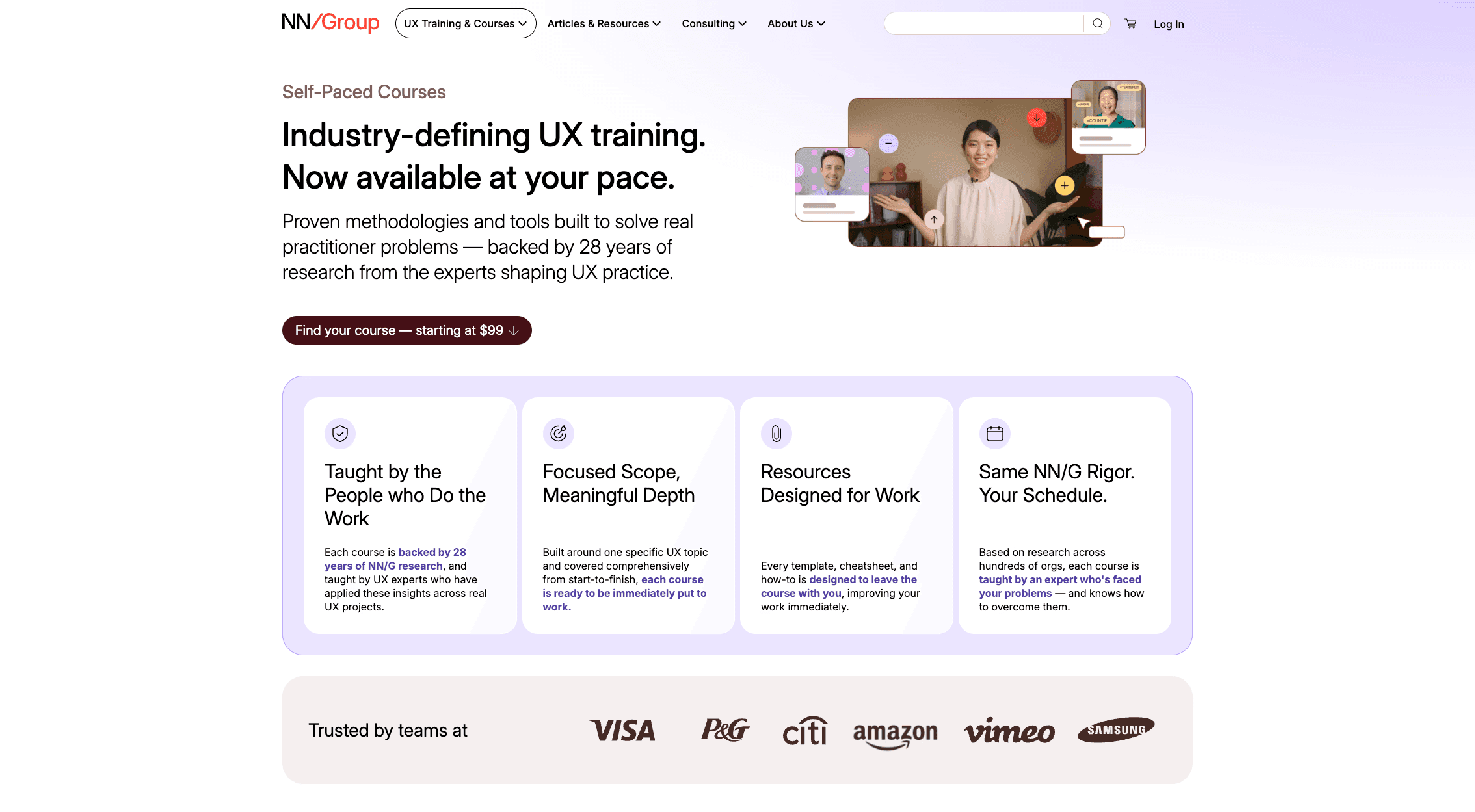
NN/G Self-Paced Courses page
Research
The real gap: explaining form decisions
I went in assuming designers struggled with visual choices, like single-column vs. two-column forms or where labels should go. Interviews with practitioners told a different story. The hard part was explaining their decisions to developers, PMs, and stakeholders. They didn’t have a shared language for it.
So I built a course about reasoning, not aesthetics: how to make a form decision and defend it to anyone on your team.
Course design
38 lessons that teach reasoning, not rules
6 sections covering the full life of a form, from deciding what to ask, to writing clear questions, to interaction design, flow, and evaluation
38 video lessons, 5 hands-on practice activities, and assessment questions
Lessons built around real scenarios (like a medical intake form) that show how an expert thinks through each decision, so learners can apply the same thinking to any form
Every lesson went through rounds of review with NN/G’s instructional designer, pressure-tested against one question: why would a designer care, and how would they use this on a real project? My background in video production and on-camera teaching meant I could film all 38 lessons myself and keep my focus on the content.
0
The Building Blocks of a Good Web Form
1
Deciding What to Ask (and What Not to Ask)
2
Asking Clean, Clear Form Questions
3
Web Form Interaction Design: Controls and Errors
4
Designing the Flow through Your Form
5
Finalizing, Delivering, and Evaluating Your Forms

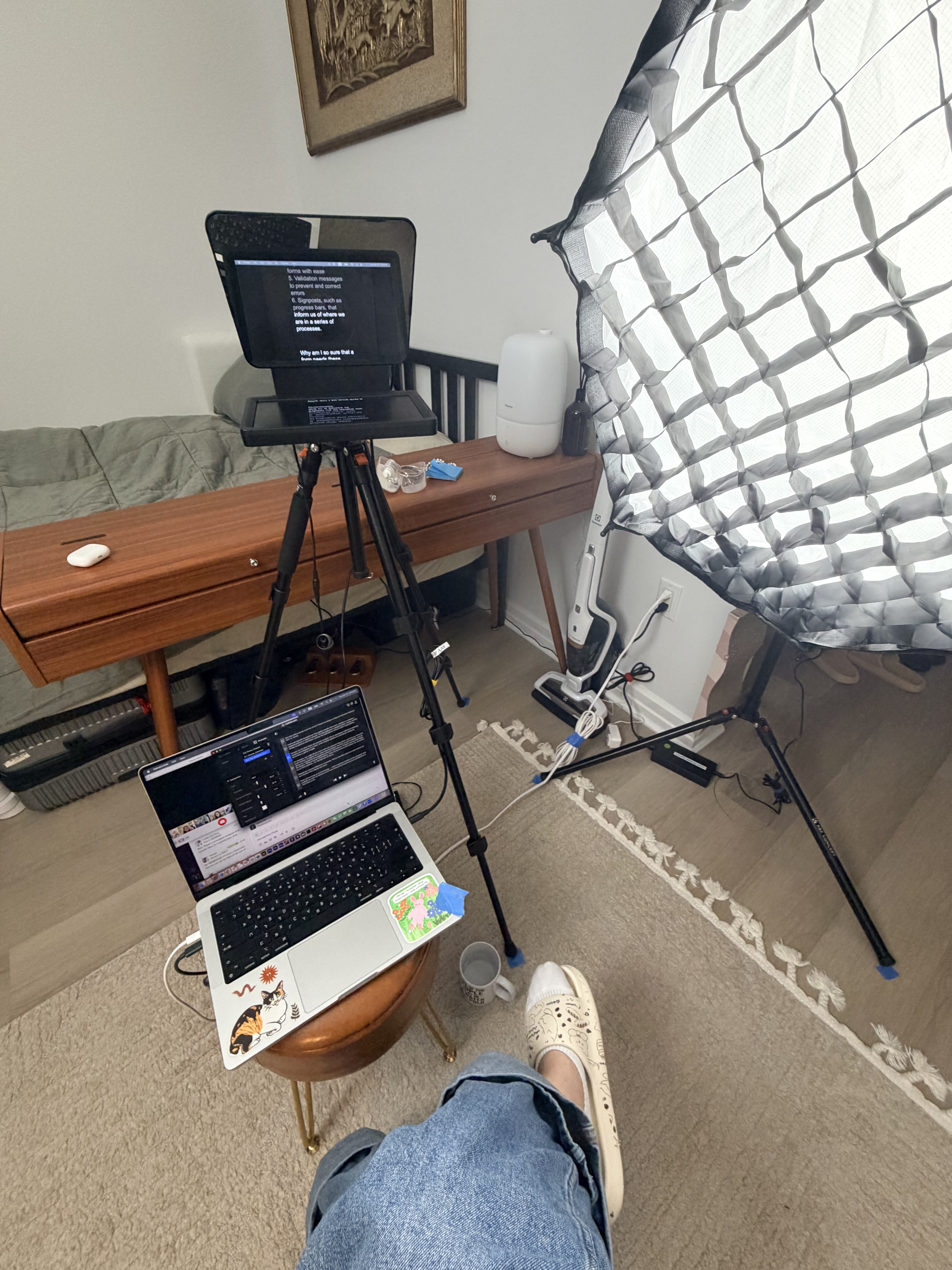

Filming kit (left), my view during filming (center), lighting equipment and overall set up (right)
Impact
Live in NN/G’s course library since May 2026
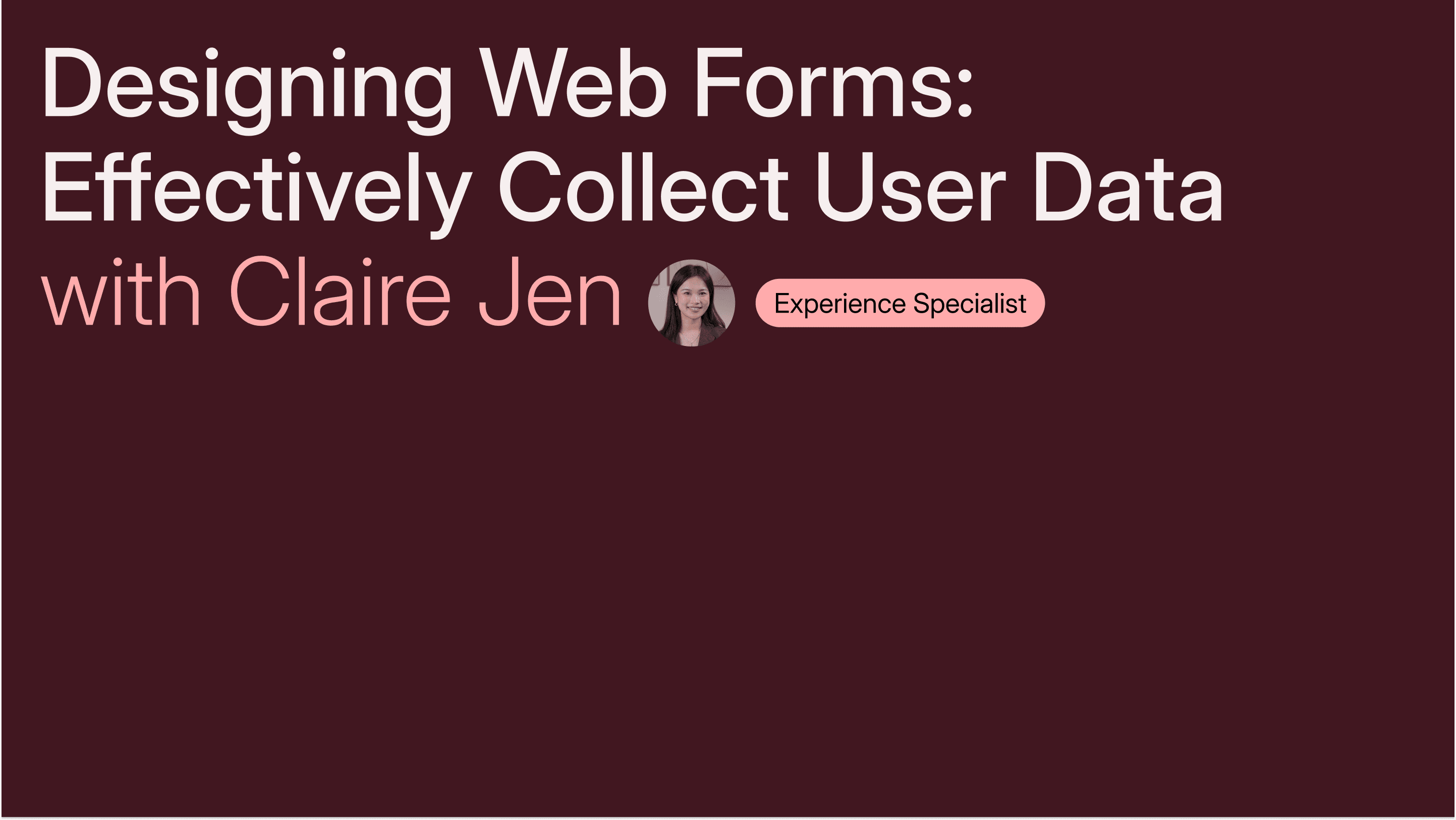
Course title card designed by the design team
The course launched in May 2026. Learners come away able to:
Make informed decisions about form structure, copy, and interaction
Understand how their choices affect different stakeholders
Explain their reasoning in a way that gets their team on board
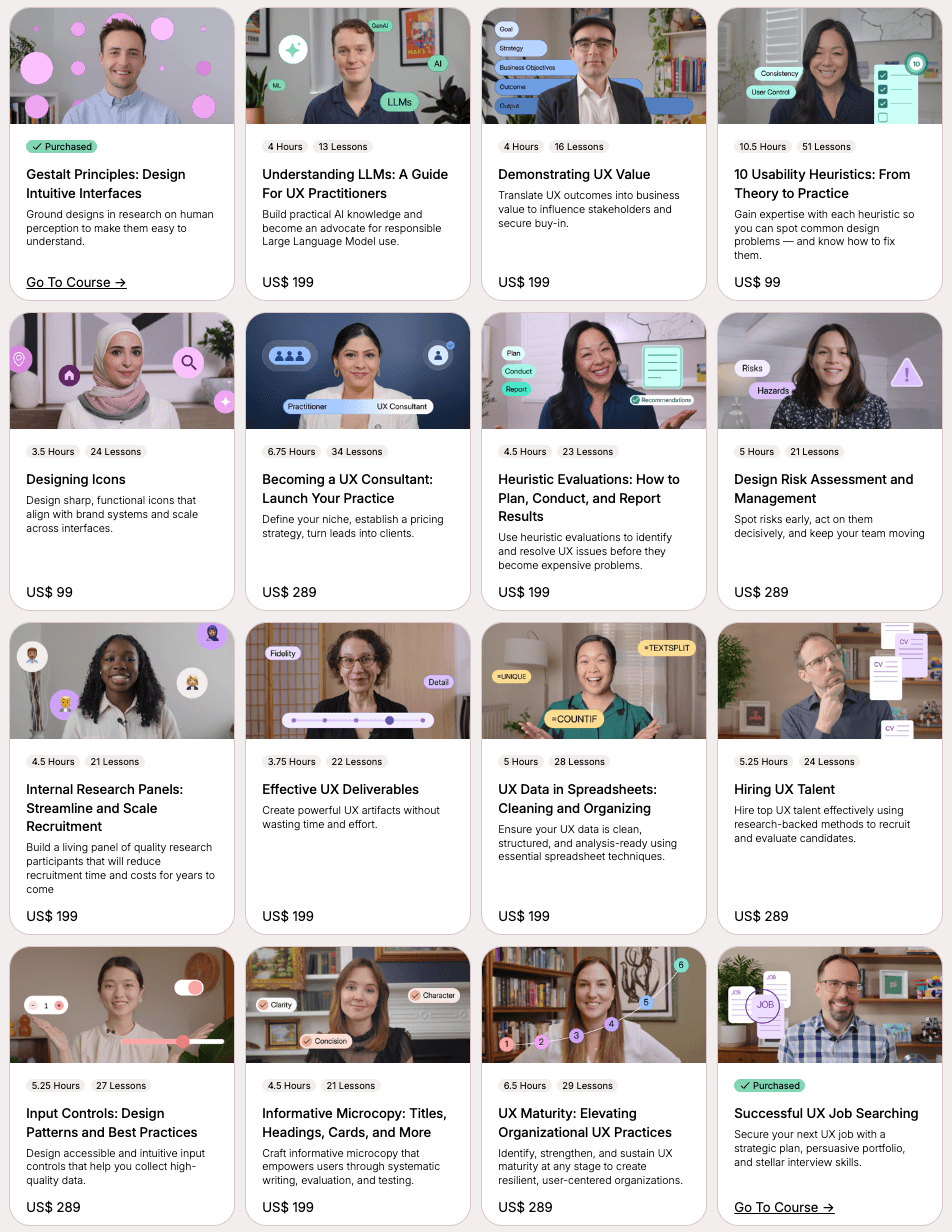
NN/G's Self-Paced course library
Teaching made me a stronger design advocate
Teaching 38 lessons on forms forced me to put words to reasoning I used to rely on by instinct. That carried straight into my day-to-day as a product designer. I can now explain exactly why an interaction works or falls short, using the same principles I taught. Speaking fluent UX has given me more credibility in the room than any polished mockup.
About the Team
Couldn’t have done it without guidance from my mentors!
Thank you to Tanner Kohler, Huei-Hsin Wang, and Megan Brown for their mentorship throughout.

Claire Jen (me!)
Experience Specialist

Tanner Kohler
Principal Experience Specialist

Huei-Hsin Wang
Senior Experience Specialist

Megan Brown
Experience Specialist